How to Add Your Business to ChatGPT: Business Hub Setup, Analytics, Business Agents, and What to Do Next
- November 24, 2026
- Blogs
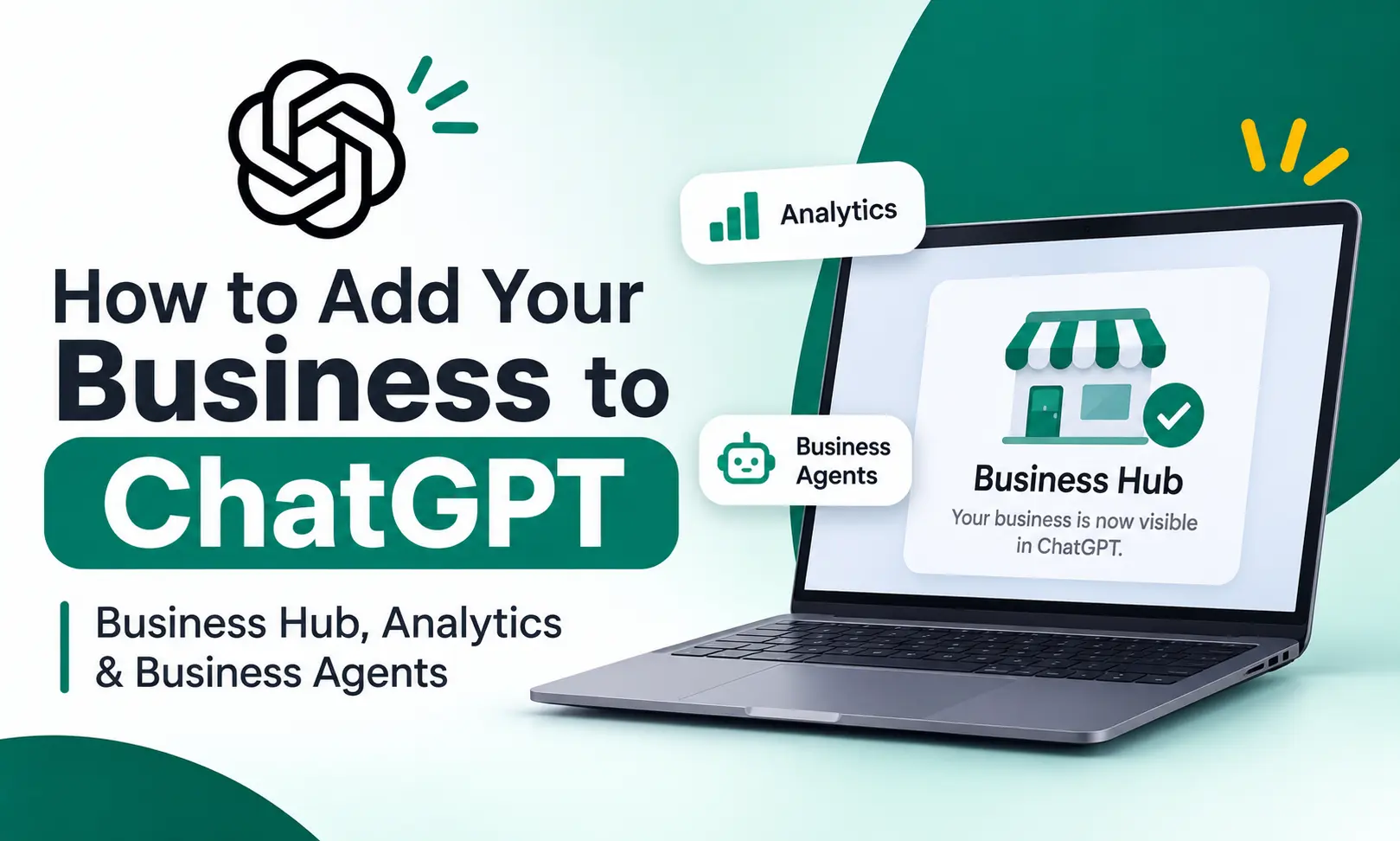
Add your business to ChatGPT using Business Hub, with business profile setup, analytics, and AI Business Agents.
Let me ask you something. When was the last time you asked ChatGPT for a recommendation? A restaurant, a gadget, a service provider?
Millions of people do this every day. Until now, businesses had no say in what ChatGPT knew about them. That has changed. On November 10, 2026, OpenAI launched Businesses in ChatGPT (in beta), and it gives you a way to show up properly. Let's walk through it together.
What Is Business Hub?
Think of Business Hub as a control panel for how your business appears in ChatGPT. You can claim your business profile, keep key details up to date, and see how people interact with you.
Once you're verified, you can also upload product feeds with current pricing and availability. That means ChatGPT can answer customer questions using information you supplied, not guesses from random corners of the internet.
You can open it from the ChatGPT sidebar or go to chatgpt.com/business-hub. Right now, OpenAI doesn't list any fee for claiming or using it.
Who Can Use It?
Business Hub is launching globally for eligible businesses wherever ChatGPT is available. Eligibility still depends on your business type, location, and verification status, so a few businesses may not see every option yet.
If you run a local store or restaurant, you can currently only claim an existing US listing. If you run an online business and can't find yourself in the search, you may see an option to add a new profile.
How to Set It Up, Step by Step
It's more straightforward than it sounds. Before you start, keep three things handy:
- A government-issued ID for identity verification
- Your business website domain
- DNS access, or the person who manages your domain, to add a TXT record
Then:
- Find your business. Sign in to ChatGPT, open Business Hub, and search for your business name. Pick the match, or create a new profile if you don't appear.
- Verify your domain. Adding the TXT record proves the website is yours.
- Complete identity verification. This is done through a service called Persona. Claiming alone isn't enough. Until you finish this step, you won't get editing access or insights.
- Add your details. Choose a category, write a clear description, and add a business email and phone number (both optional). You'll also answer a few policy questions.
- Invite your team. From the business overview, use the Invite option to add teammates as admins.
- Upload a product feed. If you sell products, add pricing and availability. Shopify merchants are in a good spot, since eligible Shopify products already flow into ChatGPT through the Shopify Catalog.
What Do the Analytics Show?
Business Hub gives you aggregated insights, mainly how often your business is mentioned in ChatGPT and how many website clicks you receive. Some reports also mention profile views and "discovery topics," which are common themes in conversations where your website gets cited.
Two honest points here. First, OpenAI says you can't see private user conversations, and analytics only appear once enough interactions have been recorded. Second, early reviewers call the data fairly basic for now.
One tip: compare Hub numbers with your own website analytics over the same dates. Also, the ChatGPT desktop app doesn't send referral data, so some of those visits may show up as "Direct" traffic in Google Analytics 4. If your Direct traffic suddenly rises, this could be part of the reason.
What Are Business Agents?
This is the exciting part. After claiming your profile, eligible businesses can create, test, and launch a Business Agent, an AI assistant that talks to customers inside ChatGPT. Customers can start a conversation with your business, explore what you offer, and ask follow-up questions.
Here's the catch for most readers in India: Business Agents are currently limited to eligible eCommerce and online service businesses in the United States. OpenAI says it plans to expand to more markets and categories over time.
Businesses can also sponsor their agents as destinations for ChatGPT Ads, with sponsored placements clearly labeled. And don't confuse these with ChatGPT's Workspace Agents, which companies use for internal workflows.
A Reality Check
Let me be straight with you. Claiming your profile gives you control over the information ChatGPT shows about you. It doesn't guarantee that ChatGPT will recommend you. That decision stays with ChatGPT.
Whether claiming a profile improves visibility is still unproven. But accurate, current information is a better starting point than leaving things to chance.
What to Do Next
Here's a simple plan:
- This week: Claim and verify your business profile.
- Next: Fill in every detail carefully. Keep your description clear and consistent with your website.
- If you sell products: Upload a clean feed with correct pricing and availability.
- Ongoing: Track mentions and clicks monthly, and compare them with your website analytics.
- Prepare: If you're a US-eligible online business, start planning your Business Agent. Everyone else should get the profile ready now, so you can move quickly when agents expand.
- Don't skip the basics: Strong SEO, a fast website, and helpful content still matter, because ChatGPT draws on the web to answer questions.
Need a Hand? Let's Talk
Setting up Business Hub, verifying your domain, and making your business easy for AI tools to understand can feel like a lot. That's where we come in.
At Mindstory, we help businesses across Kerala and beyond with SEO, digital marketing, and websites built for the way people search today, including AI search.
Want your business to show up well in ChatGPT? Get a free consultation and a tailored strategy:
📞 +91 8281001410 (Mon–Fri, 10 AM–6 PM)
✉️ hello@mindstory.in
🌐 mindstory.in/contact-us
Let's tell your business story, so the next time someone asks ChatGPT, they hear about you.
About us
We are Mindstory, Digital marketing company. We design thoughtful digital experiences and beautiful brand aesthetics.
Request a free quote
We offer professional SEO services that help websites increase their organic search score drastically in order to compete for the highest rankings even when it comes to highly competitive keywords.
More from our blog
View all stories